
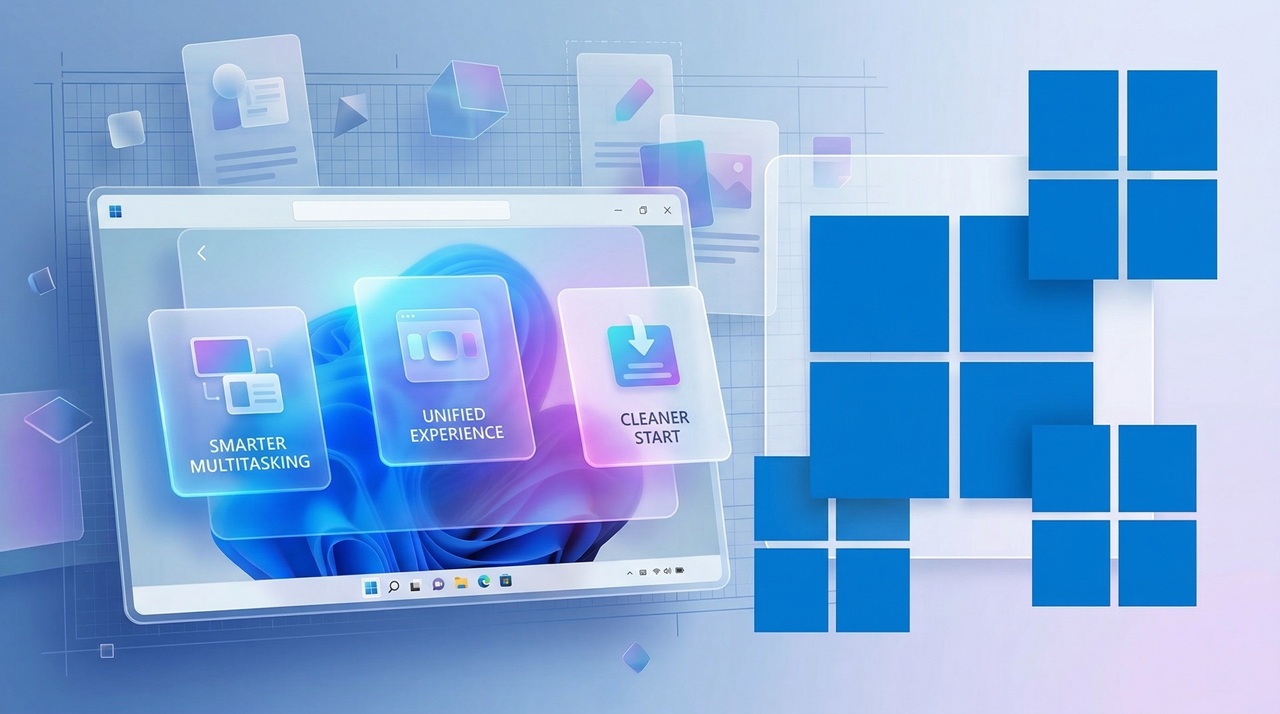
If you bought a PC in the last few years, chances are you are still running Windows 11 without many complaints. It is stable, familiar, and gets the job done. But now in 2026, Windows 12 is entering the conversation with a strong focus on AI, smarter workflows, and a more adaptive user experience.
So the real question is not just what is new, but whether upgrading actually makes sense for you.
This is not one of those generic comparisons. Instead, we will break down real differences, practical use cases, and the kind of everyday impact that matters when you sit in front of your screen for hours.
The Big Shift: What Makes Windows 12 Different
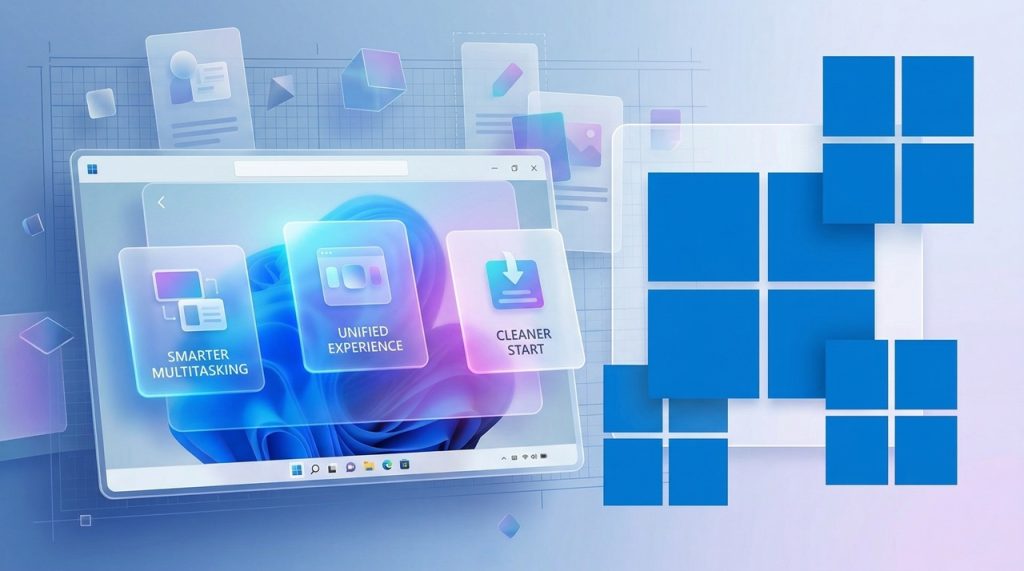
At first glance, Windows 12 does not look like a radical redesign. Microsoft has kept the familiar structure, which is a smart move. But under the surface, things are very different.
The biggest change is how deeply AI is integrated into the operating system.
In Windows 11, AI feels like an add on. You might use Copilot occasionally, but it is not central to your workflow. In Windows 12, AI becomes part of the system itself. It helps organize files, suggests actions, improves search results, and even adjusts performance based on your usage patterns.
Imagine opening your laptop and your system already knows what you are about to work on. Your apps are preloaded, notifications are filtered, and settings are adjusted automatically. That is the direction Windows 12 is pushing toward.
For some users, this feels like a huge upgrade. For others, it may feel unnecessary.
Performance and Speed: Is There a Real Difference?
Performance improvements are often promised with every new version of Windows. The reality is usually mixed. But this time, there are noticeable changes, especially on newer hardware.
Windows 12 is designed to take better advantage of modern CPUs, especially those with AI acceleration capabilities. If your processor supports dedicated AI cores, you will see smoother multitasking, faster app launches, and more efficient background processes.
On older systems, the story is different.
Windows 11 still runs extremely well on mid range and older hardware. In fact, upgrading to Windows 12 on unsupported or borderline systems may not deliver better performance. It could even feel heavier depending on your configuration.
In simple terms
New PC users benefit the most
Older PC users may see little to no gain
User Interface and Experience
Microsoft has refined the Windows interface again, but this time the changes are subtle and more intelligent than visual.
Windows 12 introduces a more adaptive interface. Elements can shift slightly based on your behavior. Frequently used apps are easier to access. Widgets feel more useful instead of just decorative.
There is also a stronger focus on minimal distraction. Notifications are smarter, and the system learns what you tend to ignore.
Windows 11 still feels clean and modern, so this is not a situation where the old version suddenly looks outdated. Instead, Windows 12 feels like a smarter version of something you already know.
If you value familiarity, you will not struggle with the transition.
AI Features: Hype or Actually Useful?
This is where things get interesting.
Windows 12 is built around AI in a way that goes beyond marketing. Some features genuinely save time.
For example
File search becomes context aware
You can describe what you are looking for instead of remembering file names
System suggestions help automate repetitive tasks
Apps integrate better with AI driven workflows
However, not everyone will use these features.
If your daily work is basic browsing, watching videos, or light office tasks, you might not notice a dramatic difference. Windows 11 already handles these perfectly well.
But if you are a content creator, developer, or someone juggling multiple tools, the AI improvements can feel like a real productivity boost.
Gaming Performance and Experience
Gamers always ask one thing first. Does it improve FPS?
The answer is not dramatically, but there are improvements.
Windows 12 includes better resource management for games, especially when running background applications. Load times can improve slightly, and newer DirectX optimizations make certain titles run more smoothly.
There is also tighter integration with cloud gaming and AI based performance tuning.
Still, if you are already on Windows 11 and your games run well, you are not missing out on a massive leap. The difference is more about consistency than raw power.
Compatibility and System Requirements
This is one of the most important factors.
Windows 11 already introduced stricter requirements compared to older versions. Windows 12 continues that trend.
You will likely need
A relatively recent processor
TPM support
Modern hardware capable of handling AI features
If your PC barely met Windows 11 requirements, upgrading may not be straightforward.
And even if you manage to install Windows 12, you may not get access to its best features.
This is why many users are choosing to stay on Windows 11 for now. It is stable, supported, and still receiving updates.
Security and Privacy Improvements
Security is one area where Windows 12 clearly moves forward.
With AI monitoring and improved threat detection, the system can respond faster to unusual behavior. This is especially useful for users who handle sensitive data or work in business environments.
There are also more granular privacy controls, giving you better visibility into how apps use your data.
That said, some users are cautious about deeper AI integration. The idea of the system learning your habits raises understandable questions.
Microsoft has added transparency tools, but your comfort level with this will depend on how much you trust automated systems.
Real World Use Cases: Who Should Upgrade
Let’s make this practical.
You should consider upgrading if
You have a new or high end PC
You want to use AI tools to improve productivity
You like staying updated with the latest tech
You work in a field where efficiency matters
You can safely stay on Windows 11 if
Your PC is older but still performs well
You use your system for basic everyday tasks
You prefer stability over new features
You do not see value in AI driven workflows
There is no wrong choice here. It depends entirely on your needs.
The Hidden Cost of Upgrading
Upgrading is not always just clicking a button.
There can be hidden costs
Time spent adjusting to changes
Possible software compatibility issues
Learning new workflows
Upgrading hardware if required
For businesses, these costs can add up quickly. For individuals, it is more about convenience and comfort.
This is why many people wait until a new system comes pre installed with the latest version instead of upgrading immediately.
The Future Outlook
Windows 12 is not just another version. It represents Microsoft’s long term direction.
AI is going to play a bigger role in how operating systems function. What feels optional today may become standard in a few years.
Windows 11 is still very much alive and supported, but it will not receive the same level of innovation going forward.
So while upgrading today is optional, it may become more relevant sooner than expected.
Final Verdict: Should You Upgrade in 2026?
Here is the honest answer.
If your current setup works perfectly and you are not chasing new features, there is no urgency to upgrade. Windows 11 remains reliable and capable.
But if you are curious about AI, using modern hardware, or looking to improve how you work on your PC, Windows 12 is worth exploring.
Think of it less as a necessary upgrade and more as an opportunity.
Some people will benefit immediately. Others will be better off waiting.
And that is perfectly fine.
There is a moment every PC user recognizes. You click on a browser, wait a second, then another, and suddenly Read more
Walk into any electronics store today or scroll through laptop listings online and you will notice a new term showing Read more
Building your first PC might feel intimidating at first. There are cables, components, compatibility concerns, and the fear of damaging Read more
Buying a gaming PC used to feel like entering an expensive club. A few years ago, if you wanted smooth Read more

At AutoTechXpert.in, we're passionate about all things automotive—from the latest car launches and cutting-edge EV tech to in-depth reviews and performance insights. Our editorial team is made up of seasoned auto journalists, tech enthusiasts, and driving purists who live and breathe the road. With years of industry experience, we break down complex car jargon into real, relatable advice to help you make smarter automotive decisions.